Navigation
To edit the nav menu, first make sure you're in the Designer mode. Then, locate the "Nav Content" layer in the Nav Bar component. Switch its display setting to Flex to make it editable. This will allow you to modify the nav menu items and layout.

GSAP
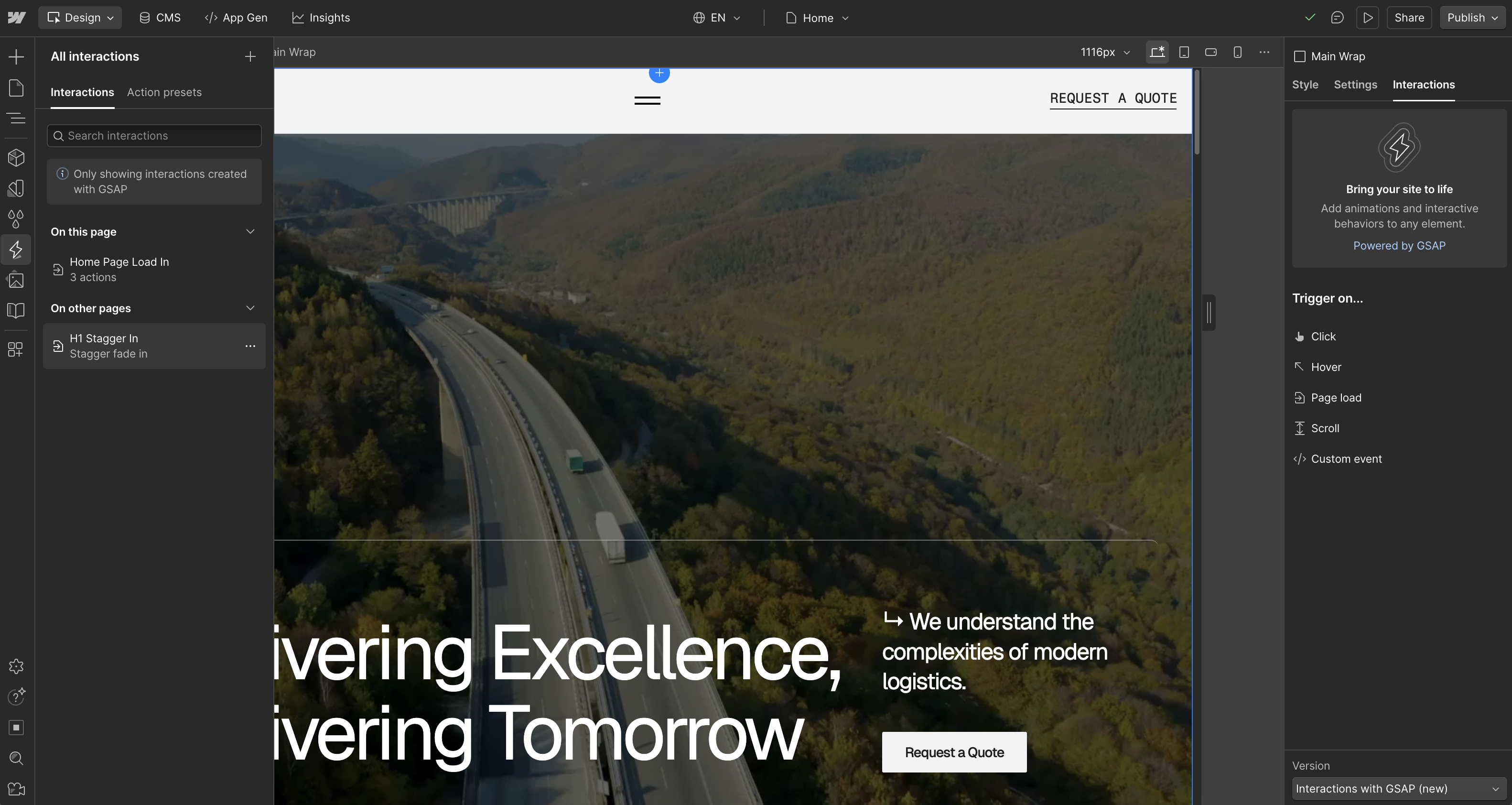
To access and edit the GSAP interactions for the H1 text, switch the GSAP version from "Classic" to "New " in the settings located in the right bottom corner. This will allow you to customize the animations via the GSAP tab.